Replicating ESP-Sensor-Mesh
11/23/2022 We faced issues in the following steps:
- Setting up xRDP - The screen was blank after logging into Ubuntu machine through Windows Remote Desktop.
- ESP-IDF VSCode extension gave errors - VSCode extension hangs when running esp-idf commands. Suspect there is a configuration issue.
Devices used in the original setup
Doesn't necessarly mean these would need to be same. Just pay attention to any platform specific steps, if any.
Computers
- Windows 11 machine
- Ubuntu 20.04LTS machine
ESP32 devices
- ESP32S3 as the root node
- ESP32 (generic ESP32, D, S2, C3) are used as intermediate nodes and sensor nodes.
Sensors
- lis3dh Accelerometer.
- BME280 pressure sensor.
- Dallas temperature sensor.
Steps to follow
Prerequisites
- Have github.com account with access to
gqcrepos.
Windows
- install git
- Setup Git SSH keys (link)
- Install VSCode.
- Make sure you tick
add vscode shortcut to context menusettings while isntallation.
- Make sure you tick
Linux
- instal xdrp (Check the
Setup RDP to Ubuntu machine from Windowssection in this document) - install open-ssh
- Setup git SSH in ubuntu (link)
Set up ESP-IDF in Windows 11 machine
- Install ESP-IDF version 4.4.2 from here. More info can be found here.
Default installation location is
C:/espressif/.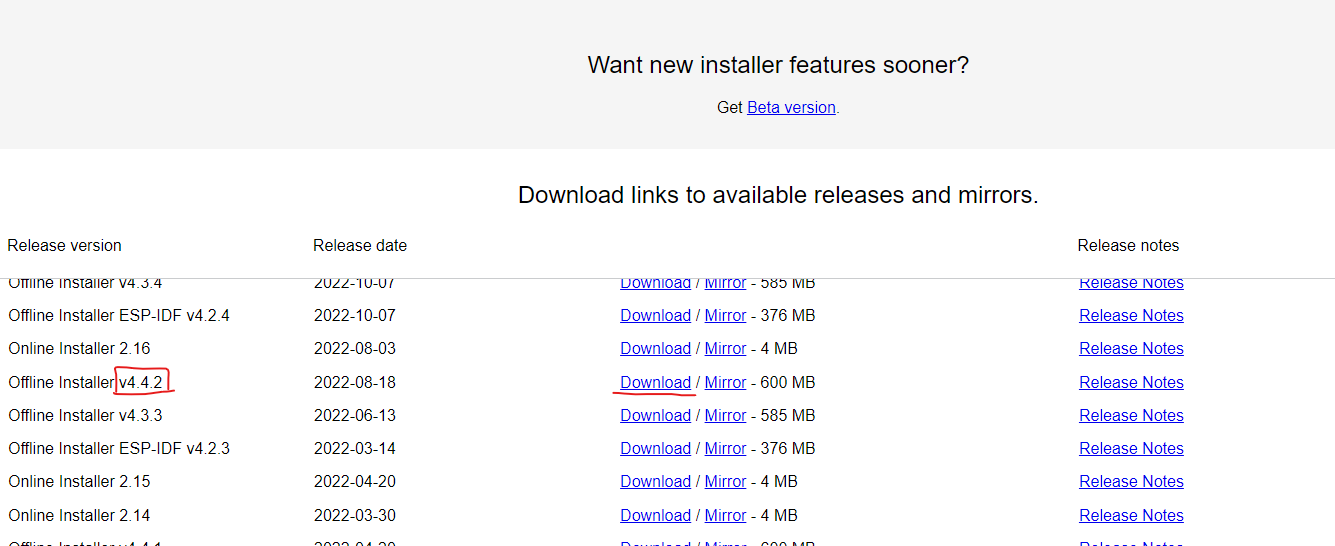
- If the setup asks you to select the boards to support, select all.
- Finish the setup.
(Optional) If you want to develop ESP-IDF code with VSCode,
- Install VSCode.
- In VSCode, goto extentions and then install
Espressif IDFextension. Ctrl+Shift+Pand typeESP-IDF: Configure ESP-IDF Extension. Follow along the configuration steps to setup the extention.
Clone the ESP repos (to windows machine)
We organize our internal
gitrepos atC:\git\gqc\folder.clone these repos:
Checkout the
README.mdfiles in the repos for more information on configuration.Flash the code into your devices.
Plug in the ESP32 device via USB.
Open up
ESP-IDFcommand prompt via start menu or desktop shortcut.Go into the repo directory.
We will use
idf.pytool to flash the code to device. The help menu can be invoked byidf.py --helpCheck the available target devices through
idf.py --list-targetsSelect target. (esp32, esp32s3 etc.)
idf.py set-target esp32Open up menuconfig and configure the node as desired.
idf.py menuconfigEg:
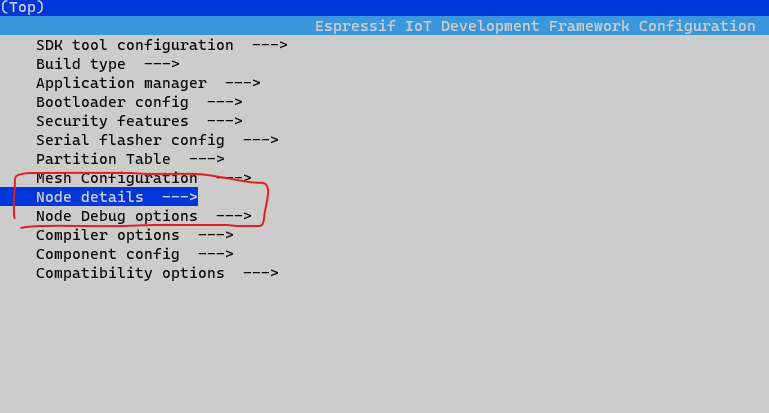
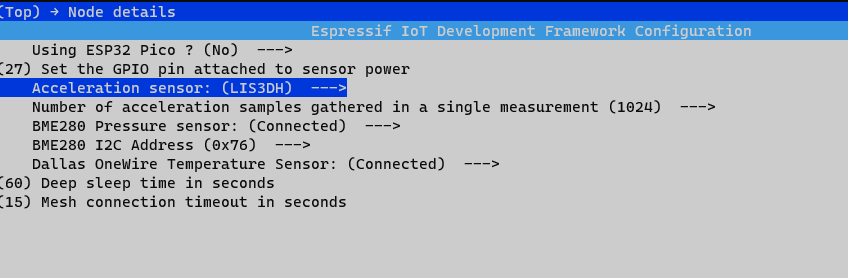
Build the code.
idf.py buildFlash the code. Put the correct COM port (eg: COM4)
idf.py -p <COMPORT> flashYou can check the comport name by device manager.
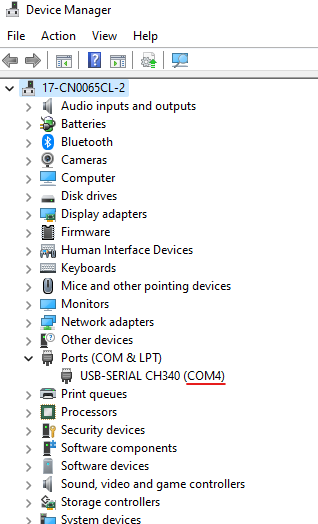
Monitor the serial port
idf.py monitor
Clone the Socket Server repo (to Ubuntu machine)
- To connect to the ubuntu machine remotely we can use
VSCode remote developmentfeature.- In
Windows, open VSCode and install the extension,Remote - SSH.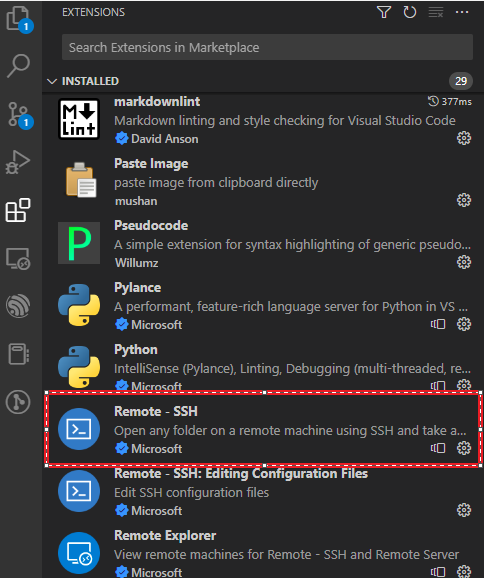
Ctrl+Shift+Pto open the command pallet. Then typeRemote-SSH: Add new SSH host
- type in your
username@ip of ubuntu machine
- Finally
Ctrl+Shift+P, andRemote-SSH: Connect to hostand select the config we created in the earlier step.
- In
- We organize our internal
gitrepos atUser_home_dir/git/gqc/folder in linux. - Clone socket server repo
- Follow the
README.mdto run the socket server.
Setup RDP to Ubuntu machine from Windows
Installing xRDP in Ubuntu:
Run the commands:
sudo apt install xrdp
sudo systemctl enable xrdp
Restart the machine
Connect to the ubuntu laptop via Remote Desktop Connection in Windows 11.
- Enter the ubuntu laptop IP.
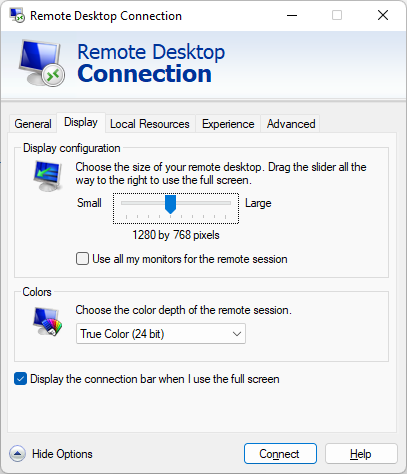
- If at first doesn't work try these settings in Windows Remote Desktop settings: